Start coding your own game from scratch!
Try This Project
In this Scratch project, you'll
build a
game
where you will control a bowl to catch as
many apples/other
objects as it can. Use
your arrow keys to not drop any apples!
You'll Learn:
Moving sprites with arrow keys
Using loops and conditions
Keeping score
You'll Learn:
A Scratch account (free!)
Internet access
Your imagination ✨
Step-by-Step Code
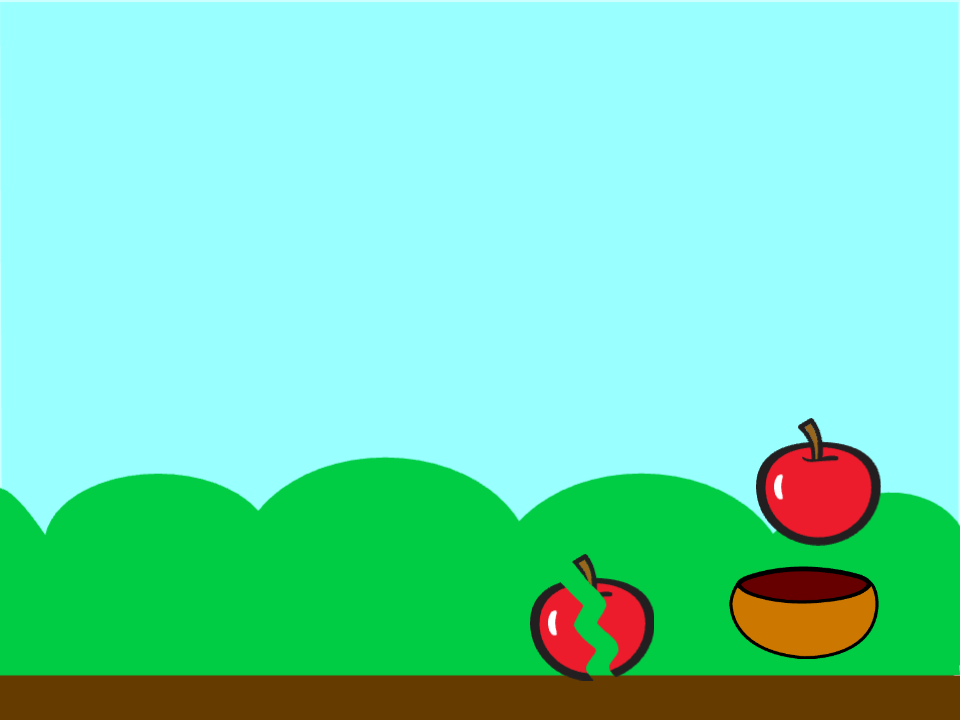
First, create 3 objects →
Within the first 2
objects, go to costumes and add both the broken versions and
unbroken, so
within each of the first 2 objects you should have 2
costumes
This part of the code controls the movement of the bowl:
This allows the player to move the bowl left and right to catch the apples.
This script waits for a set time before ending the game.
This creates a timer that ends the game after 100 seconds.
This script controls the apples and the scoring.
This creates a timer that ends the game after 100 seconds.
This script handles the falling apples and game-over condition.
This creates a timer that ends the game after 100 seconds.
Reflect on what worked well in this coding experience and what could be improved.